
Library / Camera angles
Insert / detail
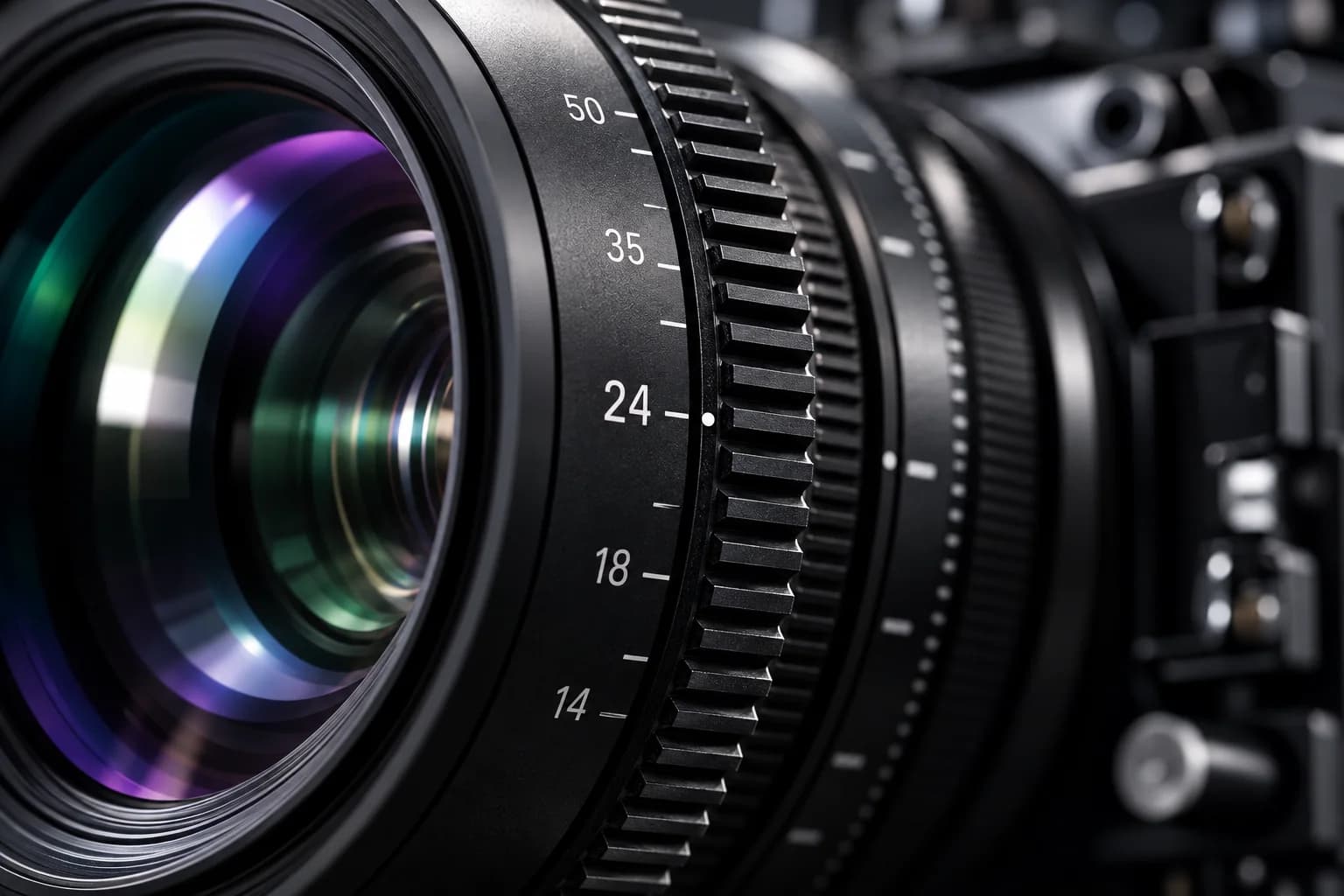

Give every product close-up a purpose, with six planned inserts that preserve scale, construction and continuity instead of using attractive details as unsupported proof.
angle · insert · detail · product
Brand SKU / Working resource / v1
Make the decision. Keep the record.
Give every product close-up a purpose, with six planned inserts that preserve scale, construction and continuity instead of using attractive details as unsupported proof.
Download worksheet (.md) ↓Includes instructions, a worked example and a blank worksheet. Edit in any text or Markdown editor. Save your copy with your project files; it does not sync to the shared demo.
How to use it
- Use the approved product reference to decide what each detail must explain. These six Foldline examples illustrate the reusable macro-angle resource; adapt them to your own product and mechanism.
- Rehearse the actual action, check focus and reflections, and include wider context where a close-up could mislead about size or assembly. No lens setting or camera model is assumed.
- Match the sample, hand position and construction to the wide take. Record source IDs and edit handles after capture; a planned shot is not completed media.
Review before handoff
- Each insert explains an identity, action or use detail and matches the same physical SKU.
- Close framing, retouching and sound do not invent scale, construction or performance.
- The editor receives real source IDs, useful handles and matching wider coverage after filming.
Fictional worked example
Foldline Desk Tray
An original teaching example, not a customer result. Reference filenames are illustrative; no source media is included.
- Shot 1 — identity
- Planned: wordmark and adjacent edge in one close frame, matched to R01. Purpose: identify the exact SKU. Keep the mark legible without changing its size or placement in retouching. Source take: pending.
- Shot 2 — fold
- Planned: hands begin the fold, leaving enough surrounding form to understand the action. Supports the visible C01 demonstration only after review; it does not prove long-term durability. Match hand direction to the uninterrupted wide.
- Shot 3 — corner
- Planned: corner assembly from a readable angle, based on R03 and the actual sample. Hold before and after the action for editing. Do not invent a fastening or sound cue; the mechanism is unresolved until the product is supplied.
- Shot 4 — surface
- Planned: gentle light across the tray base to show its visible texture. Match the reference color and avoid grading a finish into a different material. No waterproof, scratch-resistant or material-composition claim follows from this image.
- Shot 5 — use and scale
- Planned: pen placed inside with enough edge visible to judge the relationship of object and tray. Use the actual product scale and a normal pen; avoid forced perspective that enlarges capacity. Pen is a styling prop, not an included item.
- Shot 6 — folded profile
- Planned: side profile after the same sample has been folded, matched to R04. Keep context sufficient to read its shape; do not imply an exact thickness without measurement. Log source take, lock revision and review status before handoff.
Preview the blank worksheet
The download includes these prompts plus project, version and approval fields. Duplicate rows when you need more coverage or episodes.
- Shot 1 — identity
- Describe the identifying detail, framing, reference and what the editor must be able to read.
- Shot 2 — fold
- Show the material's actual movement and identify the claim this shot can and cannot support.
- Shot 3 — corner
- Show the real construction or fastening and any step that must not be hidden.
- Shot 4 — surface
- Plan light and focus to reveal the surface without implying an unverified material or treatment.
- Shot 5 — use and scale
- Include a representative object or wider context, and identify props not included.
- Shot 6 — folded profile
- Show the final state with honest reference, continuity and source-record requirements.