
Library / Shot lists
Multicam interview plan
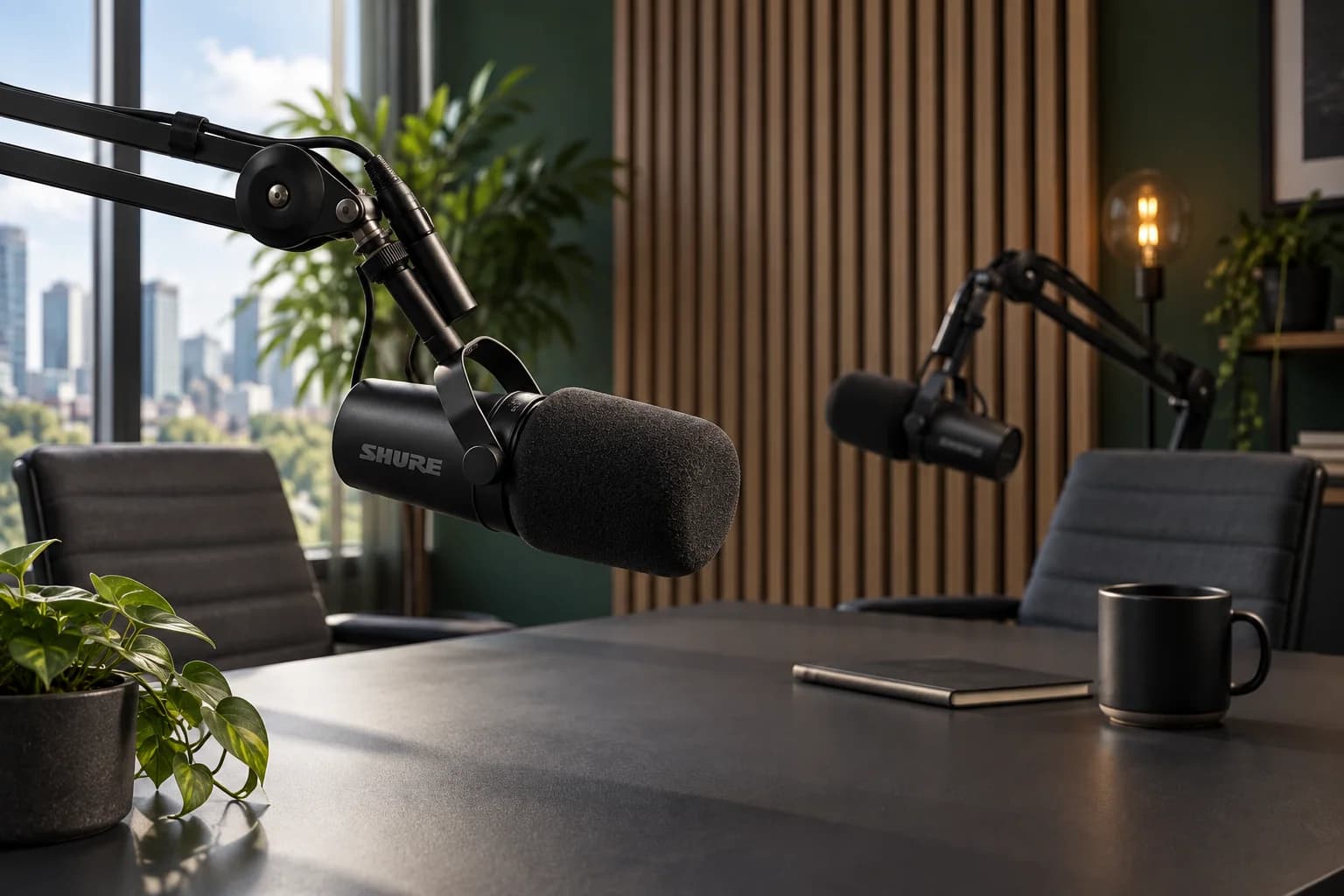

Map a two-person interview into dependable camera and audio coverage, with a preflight, continuity rules and a fallback when the full setup is unavailable.
multicam · interview · podcast · shot-list · graph
Optional demo graph stamp
Cold open, two segments, insert map, CTA. Multicam as coverage, not as an NLE.
Podcast episode engine template · Applies to the shared Mojave demo, not a private project. Worksheet notes are not imported.
Podcast Launch / Working resource / v1
Make the decision. Keep the record.
Map a two-person interview into dependable camera and audio coverage, with a preflight, continuity rules and a fallback when the full setup is unavailable.
Download worksheet (.md) ↓Includes instructions, a worked example and a blank worksheet. Edit in any text or Markdown editor. Save your copy with your project files; it does not sync to the shared demo.
How to use it
- Sketch the seating and eyelines first. Assign each camera a job, then check the actual frames for microphones, stands, reflections and room distractions.
- Record and play back a short test on the equipment you will use. Confirm each speaker is intelligible, the files can be read and the angles can be aligned in the edit; do not treat meters alone as proof of a usable recording.
- Agree who watches recording status and what happens if a device stops. Preserve originals and verify backups before clearing media. This is a coverage worksheet, not a device-specific setup guide or live capture tool.
Review before handoff
- The wide and singles preserve understandable geography and uncluttered frames.
- Actual test playback confirms usable speech and alignment; untested items remain marked pending.
- A simpler fallback and a verified-copy owner exist before recording starts.
Fictional worked example
Behind the Decision
An original teaching example, not a customer result. Reference filenames are illustrative; no source media is included.
- Room and eyeline map
- Rowan sits frame-left and Sam frame-right in the shared wide. Singles preserve their look toward one another. Mark chairs and the intended camera side of the conversation; check a short intercut before the interview.
- Camera A — safety wide
- A shows both speakers and enough of the table to orient the viewer. Leave usable headroom and check microphone stands before rolling. Keep this angle available to cover a pause or an issue on a single.
- Cameras B and C — singles
- B covers Rowan; C covers Sam. Similar eye height and shot size, with room for natural gestures. Confirm skin exposure and color on the actual cameras; watch for a leaning guest leaving the frame. No model-specific settings are assumed.
- Audio and alignment test
- Label host and guest sources separately where the setup allows. Operator monitors both speakers. Use an agreed visible/audible sync cue and test alignment in the intended editor. Playback result: not yet performed; no file is assumed healthy before this check.
- Recording preflight and fallback
- Before guest arrival: check each device, record test speech and verify playback. If only one camera is available, prioritize a clean two-person wide and reliable sound. If a single fails mid-session, log the issue and use the wide; pause if intelligible audio is lost.
- Media handoff
- Planned names: BTD-EP01-A, BTD-EP01-B, BTD-EP01-C, BTD-EP01-HOST and BTD-EP01-GUEST. Producer logs restarts; editor confirms source alignment. Copy verification and actual file paths remain pending; do not erase originals to create space.
Preview the blank worksheet
The download includes these prompts plus project, version and approval fields. Duplicate rows when you need more coverage or episodes.
- Room and eyeline map
- Describe seating, subject positions, screen direction, light sources and where cameras must not cross unexpectedly.
- Camera A — safety wide
- Give the wide a clear role, framing, operator and obstruction checks.
- Cameras B and C — singles
- Assign each single, match practical framing intent and identify what the operator must watch.
- Audio and alignment test
- Record source names, speaker assignments, monitoring owner, alignment method and actual playback result.
- Recording preflight and fallback
- Check power, available media, focus, test playback and the plan if one device fails.
- Media handoff
- List source naming, camera/audio correspondence, interruptions, backup locations and verified-copy owner.