
Library / Storyboards
Scene board (timed)
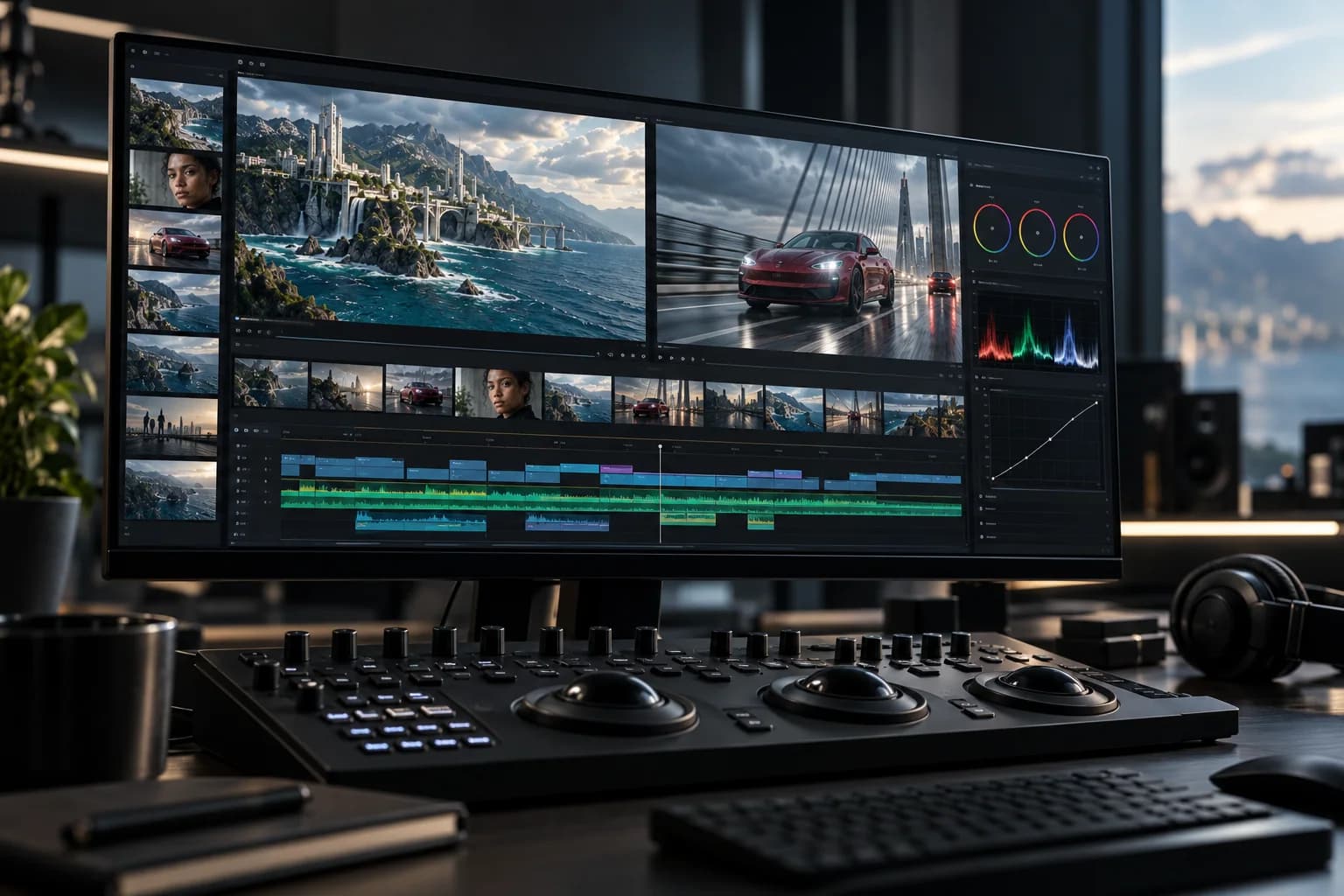

Test whether the concept reads in sequence before a full production commitment by assigning provisional durations and checking the handoff between shots.
scene · board · animatic · timing · previz
Proof-of-concept / Working resource / v1
Make the decision. Keep the record.
Test whether the concept reads in sequence before a full production commitment by assigning provisional durations and checking the handoff between shots.
Download worksheet (.md) ↓Includes instructions, a worked example and a blank worksheet. Edit in any text or Markdown editor. Save your copy with your project files; it does not sync to the shared demo.
How to use it
- Give each shot a starting duration based on the action it must communicate.
- Read the sequence aloud and note where the audience needs more time or a cleaner cut.
- Keep timing provisional until the board has been reviewed by the story owner.
Review before handoff
- Each duration supports a readable action rather than padding a runtime.
- The board names uncertainty where a still cannot prove motion or sound.
- A requested change has an owner and version.
Fictional worked example
The Last Signal
An original teaching example, not a customer result. Reference filenames are illustrative; no source media is included.
- Target runtime
- 00:26 for the proof scene: enough time to establish the valley, show the choice and hold the answer without presenting a finished edit.
- Timed rows
- CS1A 6s / valley darkens / storm rumble; CS1B 5s / Mara reaches radio / hiss carries; CS1C 4s / she decides / cut on glance; CS1D 3s / selector clicks; CS1E 8s / light answers / hold.
- Readability check
- After CS1A: the valley is at risk. After CS1C: Mara chooses others. After CS1E: the warning had a consequence.
- Timing risks
- CS1D needs readable switch labels. CS1E may need the light to arrive late enough to feel earned.
- Review decision
- Director to test CS1C at 4s and 6s in board v2. Producer confirms the 26s target after review.
Preview the blank worksheet
The download includes these prompts plus project, version and approval fields. Duplicate rows when you need more coverage or episodes.
- Target runtime
- Set the intended scene or sizzle duration and explain why it is the right size.
- Timed rows
- Record shot ID, duration, action and the cut or sound handoff.
- Readability check
- Write what a first-time viewer should understand after each beat.
- Timing risks
- Name any shot whose meaning depends on more time, sound or a missing reference.
- Review decision
- Record the requested change, owner and next version.